Read every room
Keep Kick, YouTube, Twitch, and Rumble chat visible in one pane.
Chat
Read and respond across enabled channels from one command center without losing the pace of the room.
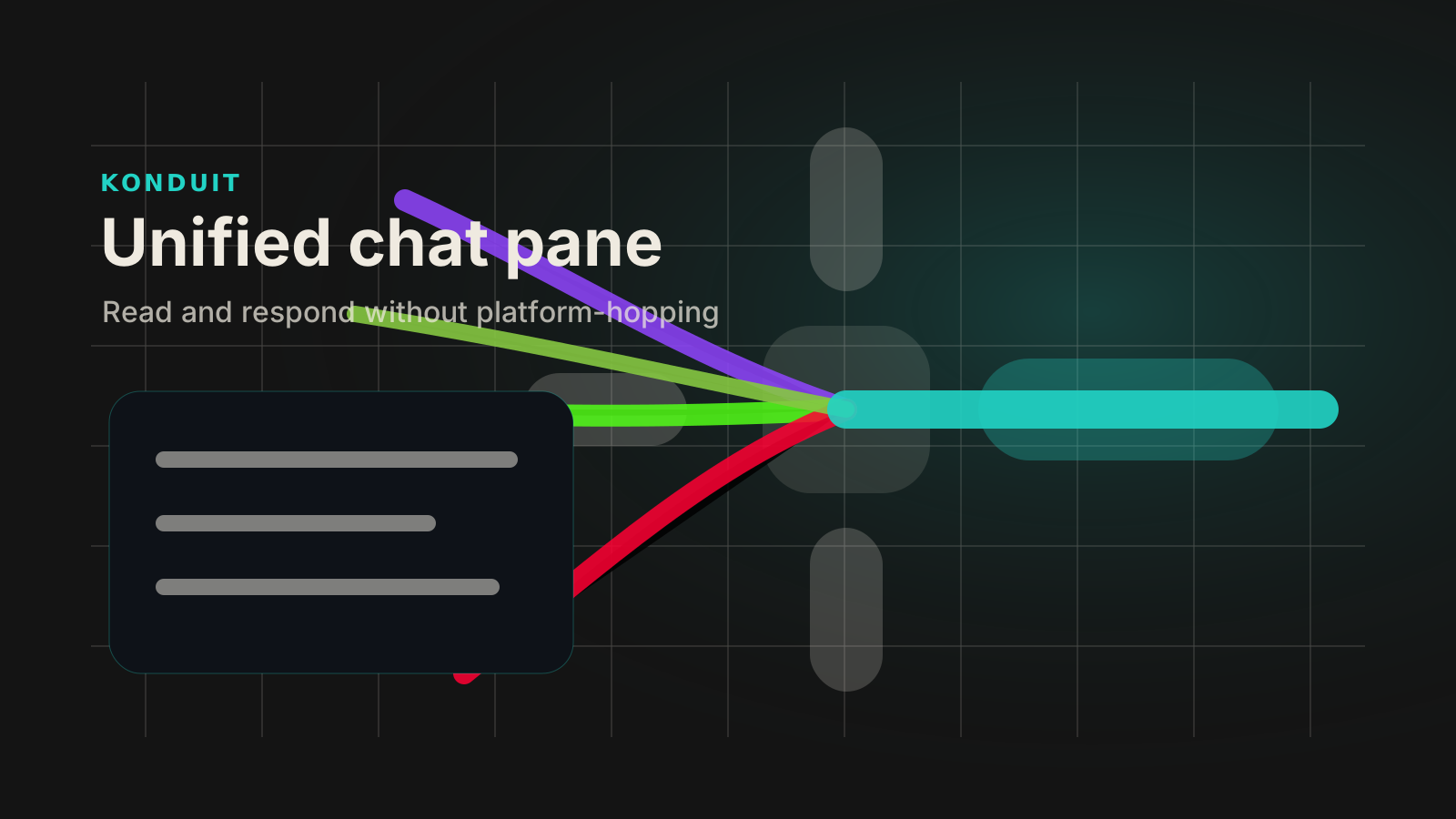
Keep Kick, YouTube, Twitch, and Rumble chat visible in one pane.
Write once, then choose which enabled channels should receive the response.
Reduce tab switching during the highest-pressure parts of a live session.
How it works
Launch access
The 14-day launch trial unlocks the full feature set so you can see whether Konduit belongs in your operating stack.